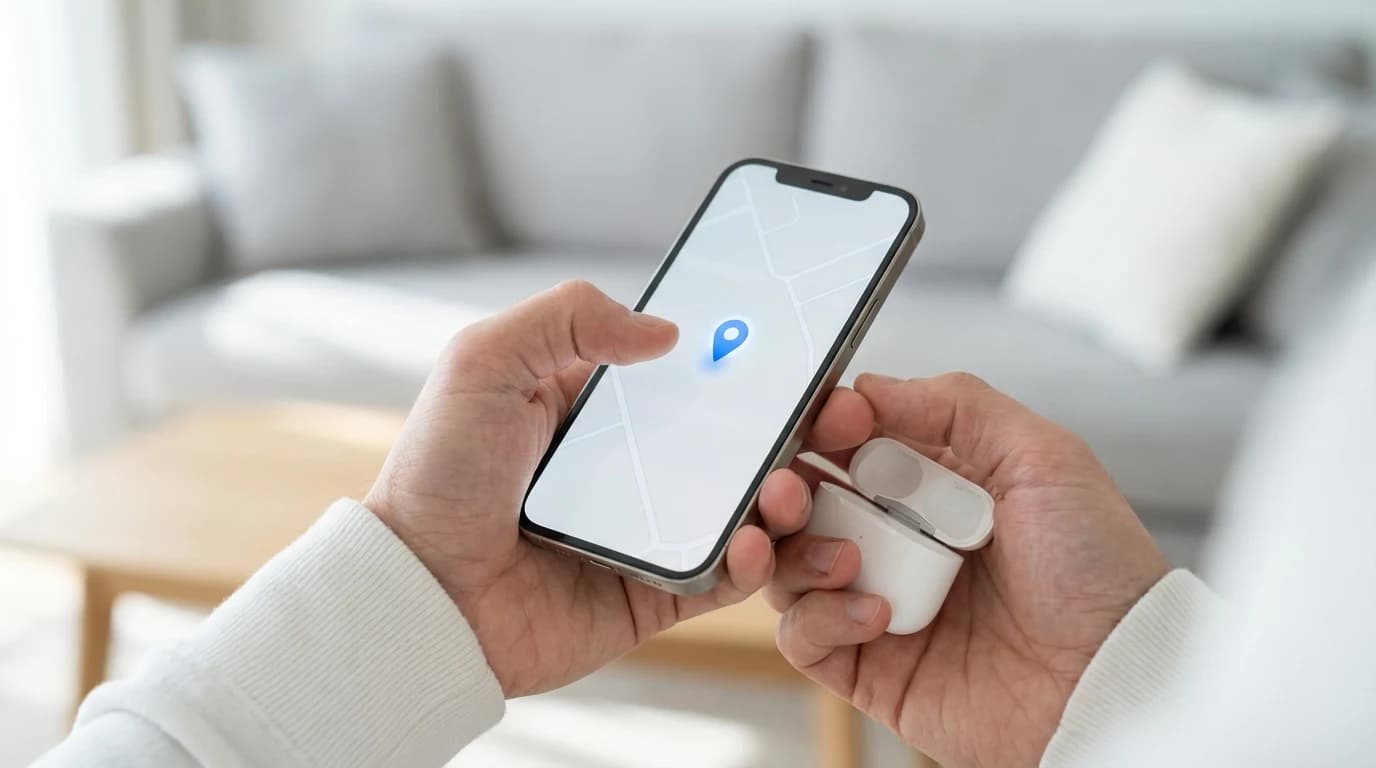
- —You can find dead AirPods by relying on the last known location map on your iPhone.
- —A dead battery means the earbuds cannot play a sound or use real-time tracking features.
- —Checking the last known location map is best for dead earbuds because standard tracking relies entirely on active battery power.
- —Upgrading your tracking habits with the Pod app prevents lost offline devices completely.
- —You must manually retrace your physical steps based on the final map pin.
Key Takeaways
You reach into your pocket, and your earbuds are missing. Realizing the battery is already drained introduces a frustrating layer of panic to the situation. Finding a device with no power requires a completely different strategy than finding an active one.
However, you can absolutely find dead AirPods if you act quickly and methodically. Your iPhone automatically records critical location data right before the battery dies, giving you a significant advantage in your search.
Can you find AirPods if they are dead?
Yes, you can find dead AirPods, but you must rely entirely on their last known location map rather than an active radio signal. Once the battery reaches zero, the earbuds permanently stop sending Bluetooth signals to your phone or any surrounding networks.
According to Apple Support, AirPods that are out of range or need to charge will display an "Offline" or "No location found" message in the tracking application. Your phone saves a permanent pin on a digital map at the exact moment the earbuds disconnect.
When an AirPod reaches zero percent power, it completely halts all radio frequency transmission to protect the internal lithium-ion cell from deep discharge damage. If you lose your dead AirPods, your primary goal shifts from scanning for a live ping to physically visiting that last documented map spot.

How do I find dead AirPods using Find My?
You find dead AirPods by opening your tracking app, selecting your specific device, and checking the map for the last place they successfully connected to an iPhone. The map provides a street address and a visual location pin to narrow down your physical search area.
According to Apple Support, the Find My network utilizes over 1.5 billion active Apple devices globally. These nearby devices securely relay location data to iCloud, updating the map right before your earbuds run out of power.
Open your tracking app, tap the Devices tab, and select your specific AirPods model. The map will display a gray icon indicating the last known location saved before the battery died. For detailed interface instructions, check out our guide on how to find lost AirPods that are offline in 2026.
Step-by-Step Guide to Retracing Your Steps
You must conduct a thorough physical search using the last known location pin as your starting point. Because precision finding arrows and sound alerts are disabled without power, your own eyes are your best tools.
Start by checking the immediate 10-foot radius around where the map pin rests. Dead earbuds often fall into soft furniture where they sit silently. Systematically check between couch cushions, under car seats, inside jacket pockets, and at the bottom of gym bags.
Next, check areas where you commonly take your earbuds out. According to Apple Support, automatic firmware updates deliver while AirPods charge near an iPhone, meaning they often die shortly after being removed from a charging station. The newest AirPods Pro 3 runs firmware version 8B39 as of 2026.
Why do AirPods lose battery so fast?
Your AirPods might die quickly because of normal lithium-ion battery degradation over time, limiting their standby tracking time. Understanding this helps explain why your earbuds seemingly vanished off the network overnight.
According to battery researchers at Battery University, standard lithium-ion earbud batteries typically degrade below 80% capacity after roughly 500 complete charge cycles. If you use your earbuds every single day, you will reach this threshold in less than two years.
Extreme temperatures also drain batteries faster. Leaving your earbuds inside a hot car or a freezing garage will deplete the remaining tracking power in a matter of hours. Replacing older units entirely is best for heavy users because it restores reliable battery performance and prevents sudden offline dropouts.
Will Apple replace lost dead AirPods?
Yes, Apple will replace lost dead AirPods for a fee, allowing you to buy individual left or right earbuds or a brand new charging case. You must process this replacement order through their official support portal online to ensure authenticity and proper pairing.
According to Apple Support, Apple recommends utilizing your digital map as the absolute first step before pursuing a replacement purchase. Unfortunately, standard warranties and extended coverage plans only handle accidental damage, software glitches, or rapid battery failures. They do not cover theft or physical loss under any circumstances.
Replacing just the missing earbud is best for your budget because it prevents the high cost of buying a completely new system. You will need the serial number found on the original box, your receipt, or inside your iPhone Bluetooth settings to process an order.

How long does the last known location stay active?
The last known location of your AirPods stays active on the map for up to seven days after the battery dies completely. After this week passes, the location data permanently disappears and resets to show a "Location Not Available" error message.
The built-in software automatically sends a final ping to your cloud account when the battery drops to a critically low level. This ensures you have a reliable starting point for your search, even if you do not realize they are missing until days later. Read our comprehensive article on how to stop losing your AirPods to learn five quick prevention settings for 2026.
Can a Bluetooth scanner find offline AirPods?
No, a standard Bluetooth scanner cannot find offline AirPods because dead batteries physically cannot broadcast the required radio signals. The earbuds must have at least a tiny bit of active electrical power to communicate with any mobile scanning application.
According to the Bluetooth SIG, standard consumer Bluetooth devices require active power to maintain their practical indoor range of roughly 10 meters (33 feet). Downloading a premium tracking tool like the Pod app prevents this exact nightmare from happening in the first place.
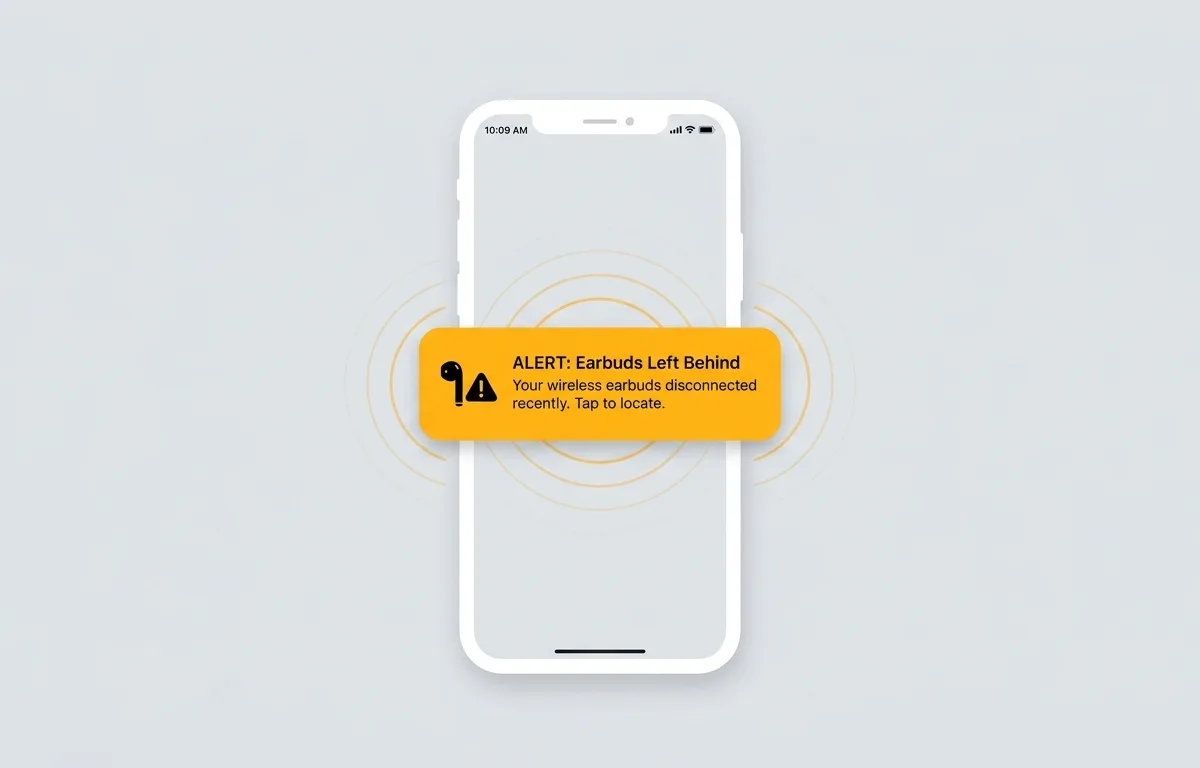
Using a proactive tracking app like Pod is best for busy professionals because it alerts you before the battery even has a chance to drain. Pod provides real-time signal strength radar and immediate disconnect alerts with zero interrupting ads. If you use Pod every day, you get a loud alert the exact second you leave your active AirPods behind. Wondering how Pod compares to default options? See our detailed breakdown on whether Bluetooth finder apps are better than Apple Find My in 2026.
| Feature | Pod Bluetooth Finder | Apple Find My |
|---|---|---|
| Real-Time Signal Radar | Yes | Only on Pro models |
| Disconnect Alerts | Immediate and Custom | Delayed |
| Home Screen Widgets | Yes | Limited |
| Ad-Free Experience | Yes | Yes |
What to do if AirPods are lost and offline?
You should physically retrace your steps starting from the exact location pinned on your digital map. Since the earbuds cannot beep, flash lights, or vibrate, a manual visual search with your own eyes is your only remaining option for recovery.
Check underneath furniture and inside the cushions of your sofa. Ask family members or coworkers if they moved a small white item while cleaning up. You can also activate Lost Mode inside your tracking app to type a custom message containing your phone number.
If a kind stranger finds your dead AirPods and plugs them into a power source, they will immediately see your contact information on their screen. This simple step greatly increases the chances of someone returning your gear.
How to find a lost AirPods case with no battery?
You can find a lost AirPods case with no battery by checking its final map pin and thoroughly searching the physical area where you last stored your earbuds. The plastic case does not broadcast an independent Bluetooth signal without an active earbud sitting inside it.
According to Apple Support, when your case and earbuds are both offline, your best course of action is using the last documented map location and conducting a systematic physical search. If you own newer models with the U1 chip for Precision Finding, remember those features only function with battery charge.
Check transit locations like your gym bag, backpack, or car's center console. If you still have the earbuds but lost the charging unit, read how to find a lost AirPods case even without the earbuds in 2026 for detailed workaround steps.
Frequently Asked Questions
Can I track my AirPods if the battery is completely dead?
Yes, you can track them by viewing their last known location on a map. You cannot track their real-time movements or make them play a sound until they are recharged.
Does AppleCare+ cover lost AirPods?
No, AppleCare+ for Headphones does not cover lost or stolen earbuds or cases. It only covers hardware malfunctions, battery degradation, and accidental physical damage.
How accurate is the Find My last known location?
The map location is generally accurate within a few feet of where the device last connected to an Apple product. However, if someone physically picked them up and moved them after they died, the map will not show the new location.
Will my AirPods beep if they are dead?
No, dead AirPods will not beep or play any sounds. The internal speakers require active battery power to function properly.
Sources
- Apple Support: Find your lost AirPods with Find My - Guide explaining how tracking works and what the offline status means for users.
- Apple Support: How to turn on Find My on your iPhone - Detailed instructions for enabling network tracking on various earbud models.
- Apple Support: Use Find My to locate your lost Apple device - Comprehensive manual for map directions and playing sound features.
- Bluetooth SIG: Understanding Bluetooth Range - Technical breakdown of radio transmission ranges and power requirements for wireless devices.
- Apple Support: About firmware updates for AirPods - Information regarding automatic background updates and current 2026 firmware versions.
- Apple Support: AirPods Service and Repair - Official portal for arranging AirPods replacement or repair.
- Battery University: How to Prolong Lithium-based Batteries - Scientific data on charge cycles and battery decay timelines.