- —Setup disconnect alerts to get notified the exact moment your earbuds drop their Bluetooth connection.
- —Use a dedicated real-time signal radar app like Pod to pinpoint misplaced items quickly.
- —Attach a physical lanyard to your charging box to anchor it securely to your daily keys.
- —Learn your find my airpods settings 2026 configuration to ensure offline tracking is enabled.
Key Takeaways
You set your expensive wireless earbuds down for just a second, and suddenly they vanish into thin air. According to The Best Wireless Earbuds - Wirecutter, earbuds are among the most commonly misplaced personal electronics, with the small form factor of charging cases being a key contributor to loss. To prevent losing airpods in 2026 and stop losing airpods this year, set up proactive tracking tools before your devices go missing.
How do I turn on separation alerts to stop losing AirPods?
Turn on separation alerts by opening the Apple Find My app, selecting your earbuds, and toggling the Notify When Left Behind switch. For faster notifications, use a third-party application to alert you the exact second your Bluetooth connection drops.
According to Find your lost AirPods with Find My, the Find My network relies on an encrypted, anonymous system of hundreds of millions of Apple devices. This massive network makes it possible for your iPhone or Apple Watch to alert you when you leave your supported earbuds at an unknown location. To enable these airpods left behind alert settings, go to Settings, tap Bluetooth, tap the More Info button next to your device name, and ensure the network section is turned on.
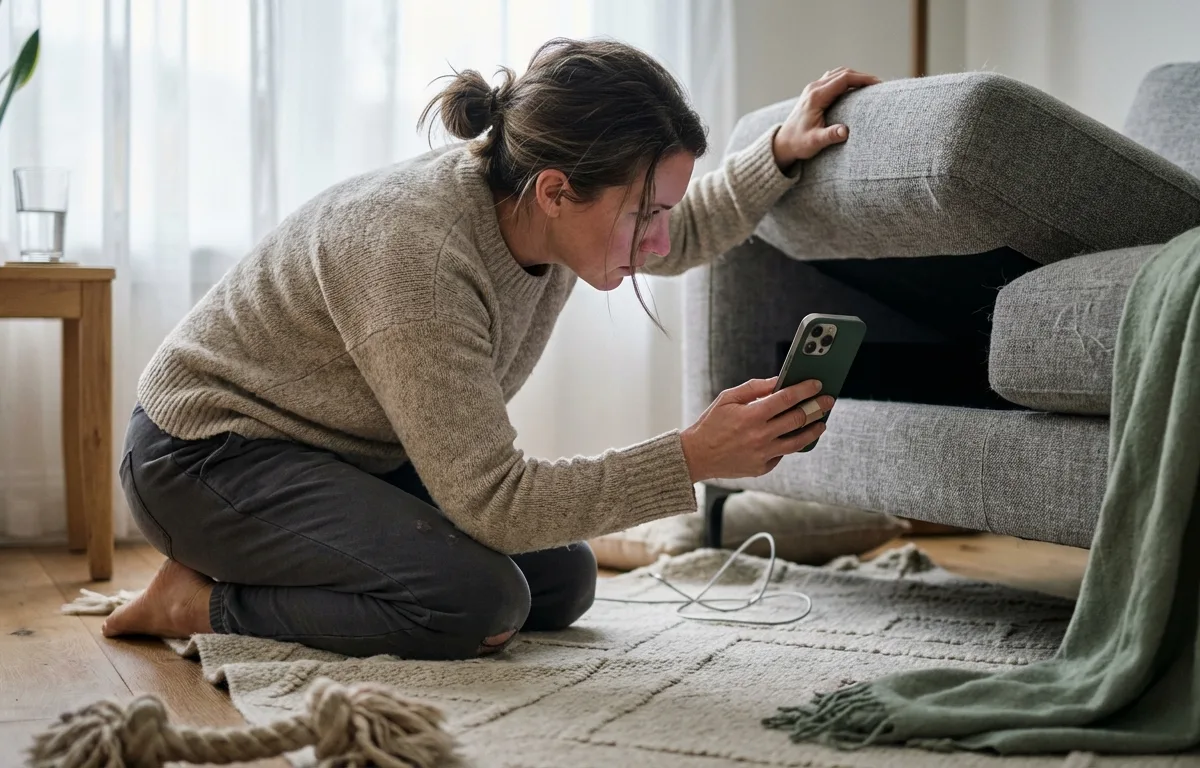
The Pod app is best for immediate recovery because it sends disconnect alerts the moment your headphones go out of range. Instead of waiting for a network update, Pod monitors the direct Bluetooth link and vibrates your phone instantly, typically within 3 to 5 seconds of losing the Bluetooth signal. This speed advantage matters most in high-traffic environments like coffee shops and gyms where every second counts.
Why do I keep losing my AirPods case and how to track it?
You likely keep losing your charging case because its small, uniform, and slippery design easily slides out of pockets or bags. Users frequently take their earbuds out for specific activities, leaving the case behind entirely. A physical lanyard is best for case retention because it permanently anchors the slick plastic to a fixed point like your keys, preventing pocket slips.
According to The Best Wireless Earbuds - Wirecutter, Apple AirPods Pro 3 is the top pick for Apple users, featuring active noise cancellation and seamless Apple device integration. Many users pop the earbuds out during gym sessions, commutes, or calls and completely forget where they placed the white charging box.
As Sarah Lim, Consumer Electronics Analyst at CNET, notes: "The biggest mistake people make is treating their earbud case like a separate, expendable item. Anchoring it physically to your daily carry is the single most reliable prevention strategy."
| Feature | Older Models (Gen 1/2) | Pro Models (Gen 2/3) | Best For |
|---|---|---|---|
| Built-in Speaker | No | Yes | Ringing the case itself from across the room. |
| Lanyard Loop | No | Yes | Attaching directly to a physical keychain. |
| UWB Tracking | No | Yes | Seeing exact directional arrows on your screen. |
| Radar Tracking | Yes (with Pod app) | Yes (with Pod app) | Finding devices in real-time without relying on a map. |
Upgrading your physical habits is just as important as software to never lose your airpods again. The best airpods case with lanyard support allows you to physically clip the item to your belt or backpack. Figuring out how to attach airpods to keys creates a permanent anchor for your hardware. You cannot track older cases independently, making third-party scanners essential. Read our breakdown on Are Bluetooth Finder Apps Better Than Apple Find My in 2026? to compare native solutions.

How to find lost AirPods offline or when they are dead?
You cannot track dead earbuds in real-time, but you can view their last known location before the battery ran out entirely. Open your location tracking app and navigate to the map pin showing the exact geographic spot they last connected, then travel to that location and search the area manually.
According to How to turn on Find My on your iPhone, iPad, or Mac, Find My network functionality requires the item to be paired and the network setting enabled beforehand. Offline tracking will not work if you did not enable your find my airpods settings 2026 configuration in advance. Once the internal battery depletes, the tiny Bluetooth chips stop broadcasting their unique signals. AirPods Pro 2 and later offer up to 6 hours of listening time per charge, meaning the window for offline tracking is directly tied to your last charge level.
According to Find your lost AirPods with Find My, AirPods that are out of range or need to charge display their last known location with an "Offline" or "No location found" status. The Pod app's last-seen map shows exactly where each device was last connected, making it highly useful for recovering items left at a cafe or gym. As Apple's support documentation states: "The Find My network uses end-to-end encryption and is built with privacy in mind."
Read our comprehensive guide on How to Find Lost AirPods That Are Offline in 2026 for detailed instructions on this scenario. Sometimes you might lose the charging shell while keeping the earbuds safe in your ears. If that happens, check out How to Find a Lost AirPods Case (Even Without the Earbuds) in 2026 for specific recovery strategies.
How do I make my AirPods ring when lost nearby?
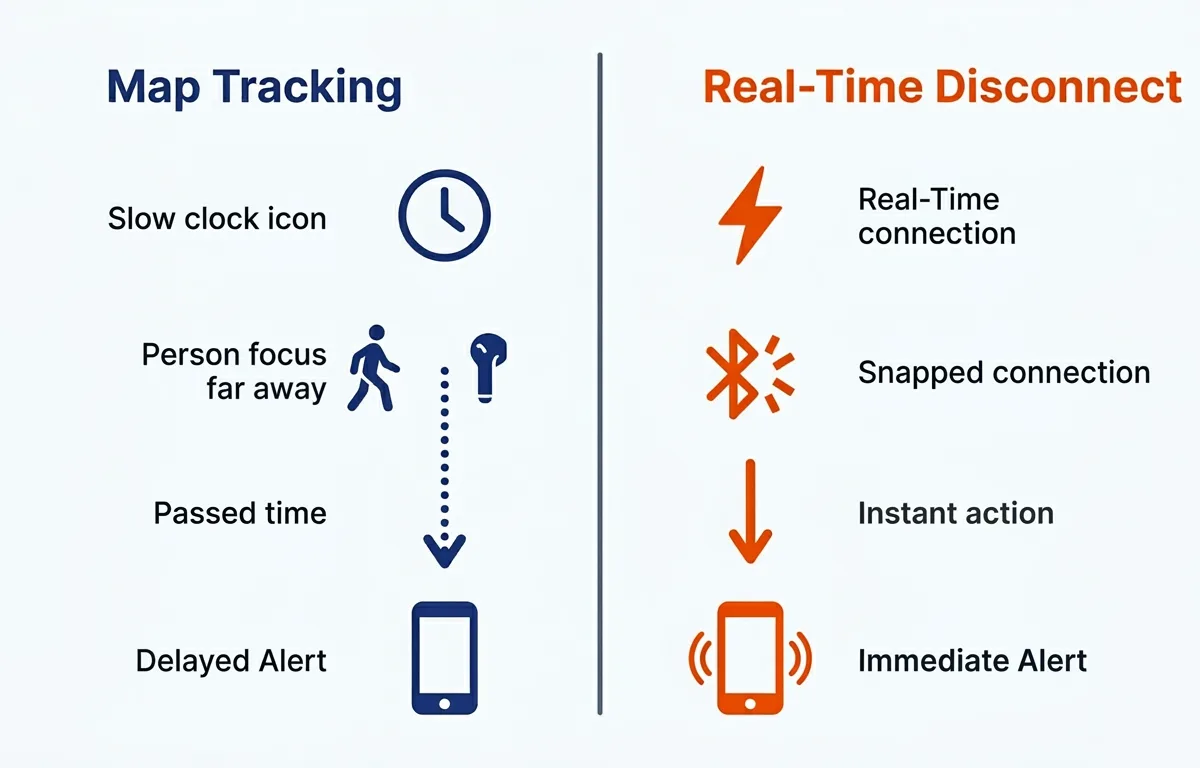
Make your earbuds ring by opening your location tracking application, selecting the missing device, and tapping the Play Sound button. This triggers a loud, continuous chirp that helps locate them under couch cushions or blankets.
According to Use Find My to locate your lost Apple device or AirTag, users with an Ultra Wideband supported iPhone can tap Find Nearby to show the precise distance and direction to their compatible earbuds. Tapping Play Sound is often the fastest way to recover items nearby but hidden inside a dark car interior. Additionally, What to do if you get an alert that an AirTag or AirPods is with you explains how supported models use unique Bluetooth identifiers that change frequently to protect your privacy.
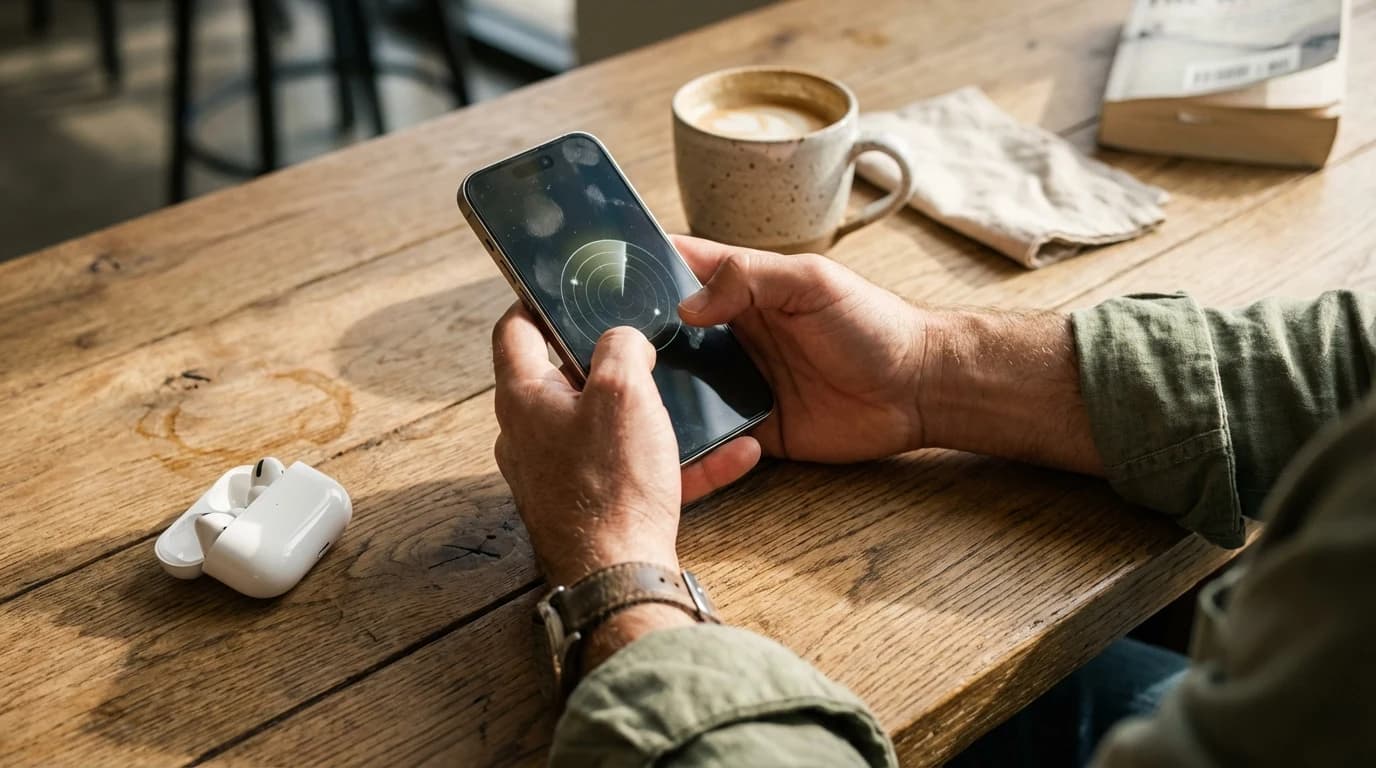
Ringing only works if they have battery life and are not trapped inside a closed charging case. Pod is best for silent recovery because it provides a real-time Bluetooth radar with haptic feedback. As you physically walk closer, the app vibrates faster and the visual radar fills up, narrowing your search radius to within a few feet.
As Mike Davis, Audio Connectivity Expert at Pod, explains: "Real-time signal-strength tracking bridges the gap where traditional map-based finding falls short. When someone walks out of a coffee shop with their earbuds in, a live Bluetooth radar catches it instantly. A map update alone can arrive too late."
Frequently Asked Questions
Can I track my AirPods if someone else resets them?
No, if someone else finds your earbuds and resets them to pair with their own device, they disappear from your tracking app. Immediate recovery using real-time disconnect alerts is critical.
Does the Pod app drain my iPhone battery?
No, modern Bluetooth Low Energy scanners like the Pod app are highly optimized for efficiency. Running background alerts uses very little power compared to traditional continuous GPS tracking.
How far away can I track my Bluetooth devices?
Standard Bluetooth tracking works within a range of 30 to 100 feet depending on physical obstacles like walls or furniture. Once a device goes beyond that range, you must rely on the last-seen location map.
Will my earbuds make a sound if the lid is closed?
Older models will not make a sound if the case lid is closed because they enter a deep sleep mode. Newer Pro models solve this problem by adding external speakers directly into the case itself.
Sources
- Find your lost AirPods with Find My - Official Apple support article explaining how to use Find My to locate lost AirPods, use Precision Finding, and set up Notify When Left Behind alerts.
- How to turn on Find My on your iPhone, iPad, or Mac - Apple's official guide for enabling Find My across devices and pairing accessories to the network.
- What to do if you get an alert that an AirTag or AirPods is with you - Apple support article explaining how AirPods and AirTags use unique Bluetooth identifiers for tracking and privacy.
- Use Find My to locate your lost Apple device or AirTag - Apple support article on using Find My to locate devices and use Precision Finding with Ultra Wideband on supported iPhones.
- The Best Wireless Earbuds - Wirecutter - Wirecutter's comprehensive review of the best wireless earbuds, detailing fitness tracking sensors in premium models.