- —Check your last known location on the map to find offline AirPods immediately.
- —Rely on a dedicated tracking app like Pod to scan for weak nearby signals.
- —Location data expires completely after seven days of no connectivity.
- —Physical searches are required if your battery is completely drained to zero.
- —Setting up separation alerts will prevent you from losing your earbuds again.
Key Takeaways
Losing your wireless earbuds is incredibly frustrating, especially when they show as disconnected. Do not panic. You have several highly reliable methods to track them down using your iPhone, even if the battery has drained completely.
How do you find lost AirPods that are offline?
Open the Find My app to check their last known location on the map interface. This shows exactly where your earbuds were right before they disconnected or died.
Disconnected devices rely on a massive community of nearby smartphones to ping their location securely to the cloud. According to DemandSage, Apple has over 2.28 billion active devices in use globally. When someone walks past your earbuds with a compatible phone, it quietly updates your map in the background.
According to Apple Support, if AirPods are out of range or need to charge, Find My shows their last known location and may display 'Offline' or 'No location found'. When you see this grayed-out status, you cannot trigger a loud ringing sound because the internal speaker requires active power.
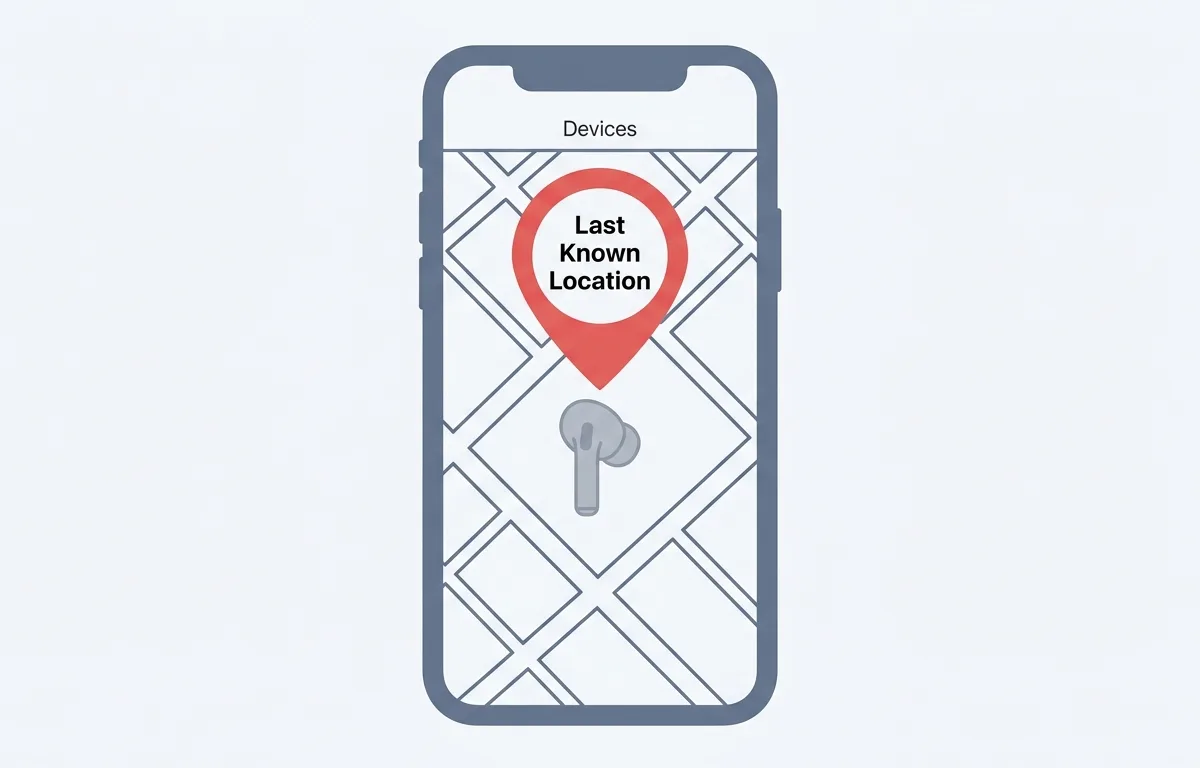
Instead of sound, use the built-in navigation feature. Tap your missing item and select the directions button. Your phone will guide you to the precise address where the device last checked in. Once there, you must conduct a thorough physical search.
That network density matters. With over 2 billion devices reporting locations in the background, your chances of getting an accurate final map pin are exceptionally high, especially in urban areas. The key is to act quickly before the location data expires.
How to find lost AirPods that are offline and dead?
When your AirPods are completely dead, you must rely entirely on their last recorded map pin and physically retrace your steps. A dead battery prevents internal components from broadcasting new signals.
An offline device might still have battery life but lacks a nearby connection to relay its position. A dead device has zero power and cannot communicate with the tracking network. You are looking for an ordinary piece of plastic until it is charged.
Understanding this distinction is critical because your recovery strategy changes completely. An offline device may reappear on the map within hours as someone walks past it. A dead device will never reappear until you physically find it and charge it yourself.
The last recorded location feature is remarkably accurate. Apple expanded its Share Item Location feature to 36 airlines total, which reduced unrecoverable luggage by 90 percent, according to Apple Newsroom. This massive reduction proves trusting the last known digital location is your best starting point.
Once you navigate to the building shown on your screen, conduct a methodical manual sweep. Check your jacket pockets, car floor mats, and sofa cushions. These small devices frequently slide into narrow crevices, remaining perfectly hidden.
If you suspect they were stolen, activate Lost Mode immediately to lock the hardware to your account. The moment someone plugs them into a charger, the system prevents pairing them to a new profile.
Why are my lost AirPods not showing up on Find My?
Your AirPods will stop showing up on the map if they have been disconnected for too long. Location data is intentionally purged from servers after a specific time to protect user privacy.
A blank screen usually happens because of strict software time limits. According to Apple Support, if more than seven days have passed since a device last sent its location through the Find My network, Find My cannot display a location and shows 'No location found'.
Furthermore, on the web version of the tracker, if a device's battery has run out or more than 24 hours have passed since it sent its location, you will not see its location at all. This web limitation frequently catches people off guard.
Missing map data can also relate to account syncing issues. If you never properly paired your hardware, the network does not know who owns the item. Always ensure your devices are fully registered to your profile immediately.
Another common cause is having Find My disabled on your iPhone. Go to Settings, tap your name at the top, then Find My, and make sure both "Find My iPhone" and "Find My network" are toggled on. Without the network toggle, your devices cannot participate in the crowdsourced location system at all.
How to find a single lost AirPod that is offline?
To track down one missing earbud, place the AirPod you still have inside your charging case and close the lid tightly. This forces your tracking software to focus exclusively on the missing piece.
Losing just one earbud is incredibly common. When you use standard tracking tools, the software often connects to the earbud you still possess, falsely displaying that your set is safely with you.
Putting the safe earbud away blocks its signal, letting your phone actively search for the missing half. According to Apple Support, Apple offers individual replacement through its service program, and a single AirPod Pro replacement costs 89 dollars.
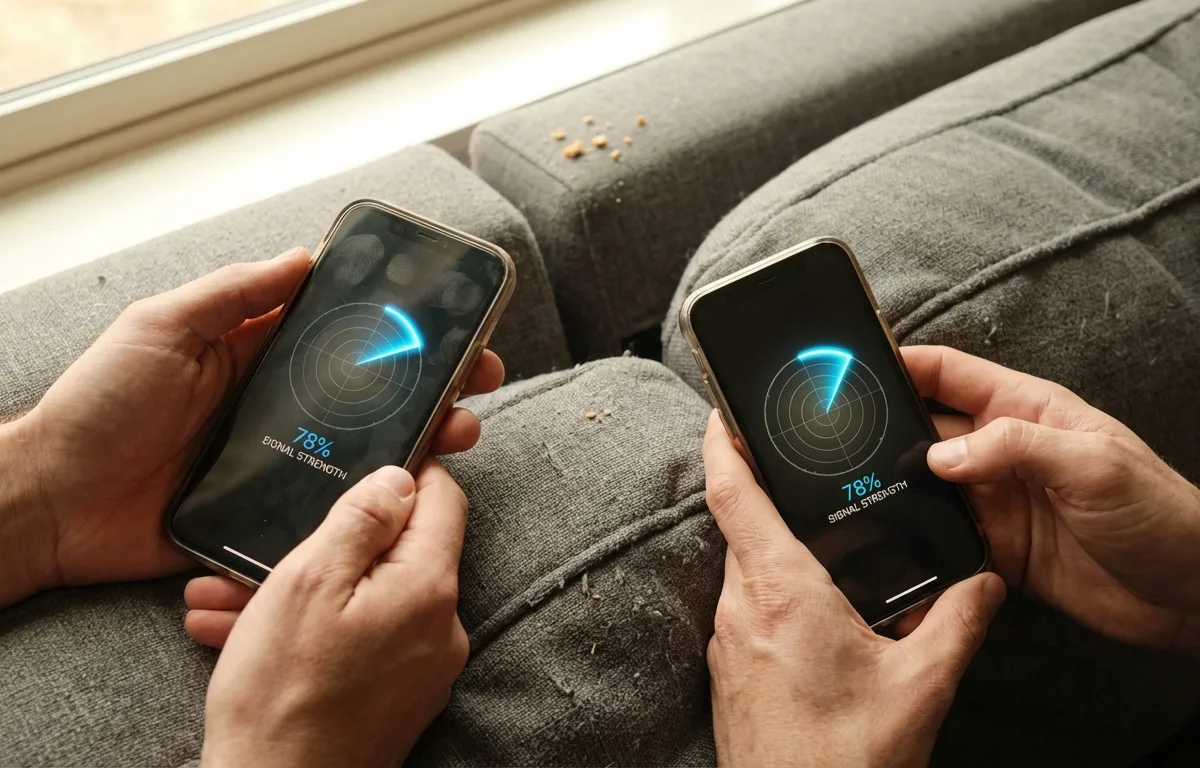
We recommend using a specialized tracking application like Pod, which provides a real-time signal strength radar. If your offline earbud still has battery remaining, it quietly broadcasts an invisible Bluetooth Low Energy signal.
Standard maps ignore these weak signals, but the Pod app actively listens for them. Pod is best for finding a single lost earbud indoors because it translates raw Bluetooth signal data into a simple visual radar that updates in real time as you walk around. Open the app, select your missing device, and watch the signal strength indicator rise as you get closer to the hidden earbud.
Unlike generic Bluetooth scanner apps that display raw signal numbers and technical identifiers, Pod shows a clean percentage gauge that anyone can understand. No ads, no confusing menus, no technical knowledge required.
How to track dead AirPods using your iPhone?
Tracking dead AirPods requires looking up their last recorded timestamp and setting up proactive alerts. You cannot track a completely dead battery with radar or sound.
When power levels reach zero, all broadcasting completely shuts down. Your only recourse is checking the final map coordinates recorded just before the battery died.
Preventing loss is paramount. According to Apple Support, the Notify When Left Behind feature sends an alert to your iPhone or Apple Watch when you leave your AirPods at an unknown location.
The system knows when the connection drops based on distance. Standard Bluetooth range is approximately 10 meters or 33 feet for consumer devices, according to the Bluetooth Technology Overview. Once you cross that 33-foot boundary, your phone warns you instantly.
Pod is best for preventing loss in the first place because it offers customizable disconnect alerts right on your home screen. You can set safe zones like your home or office to prevent distracting alarms, and get notified the instant you walk away from your earbuds in an unfamiliar location. The alert fires within seconds of the Bluetooth connection dropping, giving you time to turn around immediately instead of realizing hours later.
How to find your lost AirPods case in 2026?
Finding an empty case depends entirely on your specific model. Newer premium versions feature built-in tracking chips, while older cases require at least one charged earbud resting inside to be tracked.
Dropping an older empty case on the street is identical to dropping a plain piece of plastic. The official tracking network cannot see it unless you have upgraded hardware.
According to Apple, AirPods Pro 2 use the Apple H2 headphone chip and second-generation Ultra Wideband chip in the MagSafe Charging Case. This Ultra Wideband technology acts like a precise directional radar, pointing an arrow exactly toward the hidden case.
With 66 million AirPods sold in 2024 according to DemandSage, millions of users have access to cases featuring an internal speaker. You can trigger a loud ringing sound directly from the case itself.
For basic models without advanced chips, check the last place you actively charged them. Retrace your steps meticulously, as digital tracking will not work for older empty cases.
How to use a Bluetooth scanner app to find lost earbuds?
A Bluetooth scanner app turns your mobile phone into a sensitive radar detector measuring wireless signal strength. The Pod app offers an intuitive visual interface without disruptive advertisements.
Native mapping tools struggle with indoor precision, failing to differentiate between rooms or floors. A dedicated scanner app becomes absolutely essential for indoor recovery.
Within 33 feet, a scanner app picks up invisible low energy broadcasts. Apple holds almost 33 percent of the global wearables market share as of 2023, according to DemandSage, making iOS scanners incredibly popular.
Pod translates complex technical signals into a simple percentage gauge. Open the application, select your missing device, and walk around your room. The percentage rises as you move closer to the hidden object.
To help you understand your tracking options, here is a detailed breakdown of different solutions:
| Feature | Pod App | Apple Find My | Standard Bluetooth Scanners | Best For |
|---|---|---|---|---|
| Real-Time Radar | Yes | No (Only Pro 2 UWB) | Yes | Pod App: Pinpointing devices nearby |
| Ad-Free Experience | Yes | Yes | No | Apple Find My: Checking map locations |
| Disconnect Alerts | Yes | Yes | Rarely | Pod App: Preventing lost items |
| Last Seen Map | Yes | Yes | Sometimes | Standard Scanners: Basic diagnostics |
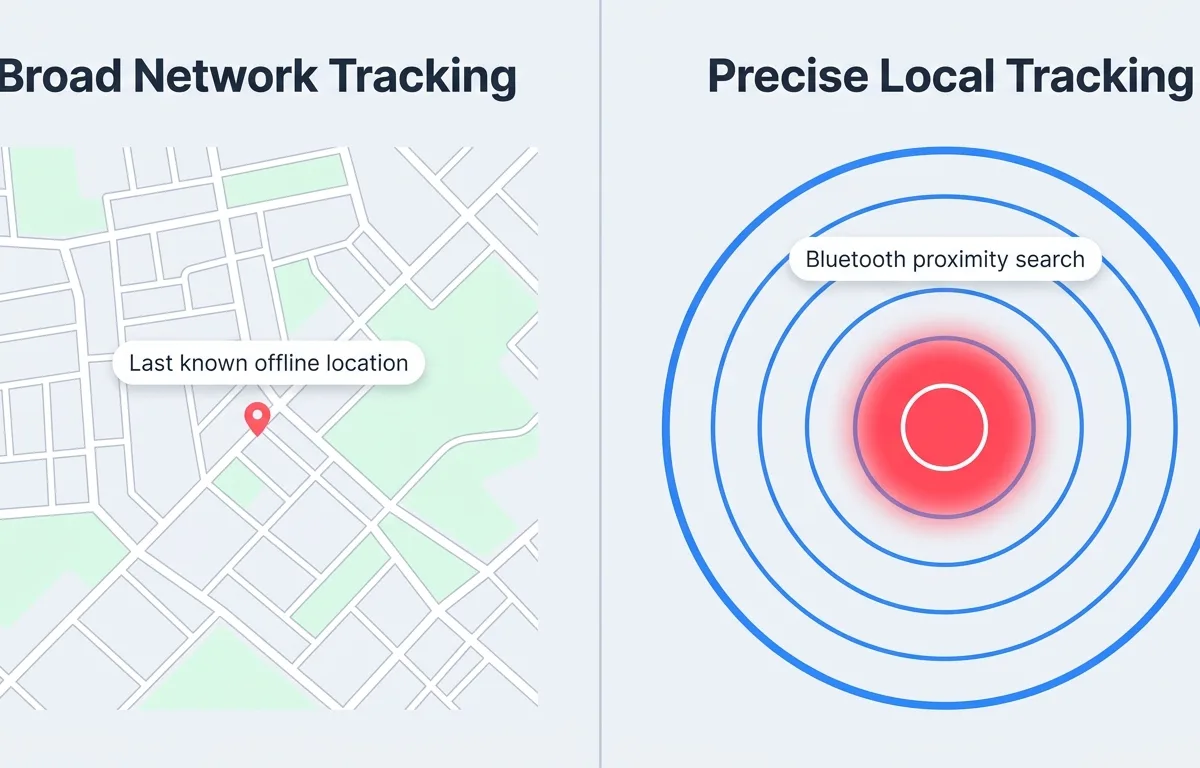
Apple Find My is best for checking your last known location on a map because it leverages the entire Apple device network for background updates. Pod is best for actively scanning nearby rooms because its real-time signal radar works even when Find My shows "offline." Standard Bluetooth scanners are best for basic diagnostics but typically show raw signal data that is difficult to interpret without technical knowledge.
Downloading a scanner app before an emergency happens protects your expensive hardware. With AirPods Pro 2 retailing at $249 according to Apple, losing even one earbud is a costly mistake. The right tools make recovering offline earbuds entirely possible.
Frequently Asked Questions
Can you ring AirPods if they are offline?
No, you cannot play a sound if they are offline, dead, or stored inside a closed standard case. The internal speaker requires an active wireless connection and battery power.
How long do AirPods stay trackable when lost?
Location data remains visible for up to seven days. After seven days without a new connection ping, the system purges the data and displays a 'no location found' message.
Will Find My work if my AirPods are in the case and closed?
For standard models, closing the lid triggers a low-power sleep mode, causing them to appear offline. Newer Pro 2 models feature a tracking chip inside the case, keeping them fully trackable.
Can someone else use my lost AirPods?
Yes, someone can reset the hardware by holding the back button to pair them. However, activating Lost Mode keeps the hardware cryptographically linked to your personal cloud account.
How much does it cost to replace one AirPod?
It costs 89 dollars to replace a single AirPod Pro through official Apple customer support service channels.
Sources
- Find your lost AirPods with Find My - Apple Support — If AirPods are out of range or need to charge, Find My shows their last known location and may display 'Offline' or 'No location found'
- Use Find My to locate your lost Apple device or AirTag - Apple Support — If more than seven days have passed since a device last sent its location to Apple through the Find My network, Find My cannot display a location and shows 'No location found'
- 2025 marked a record-breaking year for Apple services - Apple Newsroom — Apple expanded its Share Item Location feature in Find My to 36 airlines total, up from 9 at launch
- AirPods Pro 2 Technical Specifications - Apple — AirPods Pro 2 use the Apple H2 headphone chip and Apple second-generation Ultra Wideband chip in the MagSafe Charging Case
- 32 Apple Statistics (2026): Users, Revenue & Sales Data - DemandSage — Apple has over 2.28 billion active devices in use globally
- Apple Service and Repair for AirPods - Apple Support — Apple offers individual AirPod replacement through its service program, so users who lose a single AirPod can buy just one replacement rather than an entire new set
- Use Notify When Left Behind with AirPods - Apple Support — Notify When Left Behind sends an alert to iPhone or Apple Watch when users leave their AirPods at an unknown location
- How It Works - Bluetooth Technology Overview — Standard Bluetooth range is approximately 10 meters (33 feet) for most consumer devices like AirPods