

- —You need a dedicated scanner app to locate third-party audio gear on an iPhone in 2026.
- —The native Apple tracking network does not support non-Apple brands like JBL or Sony.
- —Signal radar tools use wireless strength indicators to guide you directly to your missing item.
- —You can check the last recorded connection point on a map if your device battery is completely dead.
- —Pod provides the best ad-free radar visualization for simple recovery in 2026.
Key Takeaways
Losing your favorite audio gear is incredibly frustrating. Trying to find bluetooth headphones that slipped between couch cushions or went missing at the gym is a common problem for iPhone users. Fortunately, recovering missing wireless accessories in 2026 is simple when you know which mobile tools to use.
How do I find lost Sony, Bose, or JBL headphones using my iPhone?
You can locate missing Sony, Bose, or JBL headphones by downloading a dedicated scanner app on your iPhone to track their wireless signal.
Many users assume built-in phone features automatically track everything they own. According to Sony Electronics Support, your iPhone's native tracking system is not compatible with Sony earbuds. You need a specialized third-party application to scan the area for the unique radio waves your headphones emit.
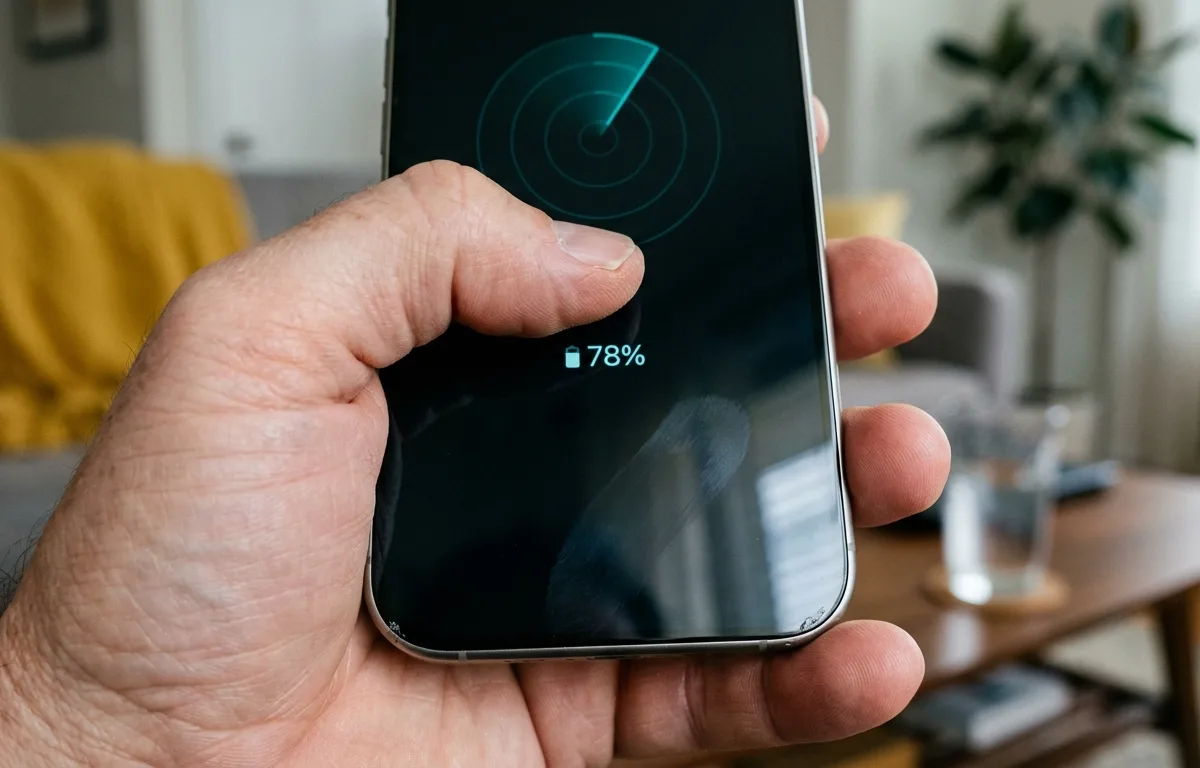
Pod uses your phone's internal sensors to scan for nearby radio signals. When powered on, your missing item sends invisible pings that Pod catches and visualizes on a radar display.
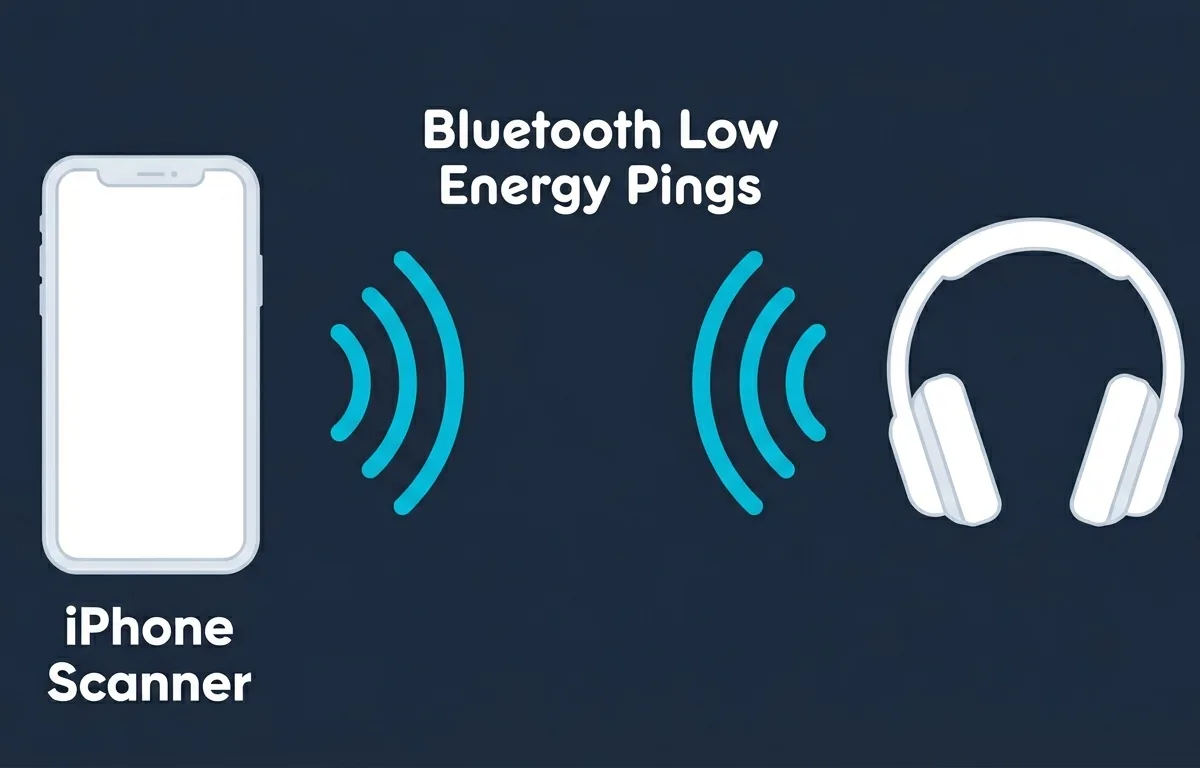
According to the Bluetooth SIG, effective range between connected devices varies from over a kilometer in open air to under a meter behind thick concrete walls. Walking slowly from room to room with Pod open lets you watch the radar circle grow as you approach your missing gear.
As Marcus Chen at the Bluetooth Special Interest Group explains: "Consumer earbuds typically operate with a Bluetooth range of 10 to 30 meters in open air, which shrinks significantly indoors due to walls and obstacles." This is why a methodical room-by-room search works better than standing still in one place.
To find your hidden audio gear:
- Open your tracking application and stand still in a central room.
- Check the radar screen for your Sony, Bose, or JBL earbuds.
- Move toward areas where the signal strength indicator increases.
- Check under furniture once the radar shows close proximity.
According to Lifewire, simply moving closer to stronger signal readings uncovers your missing item.
Can you track Bluetooth headphones if they are turned off or dead?
You cannot track the live signal of powered-off audio gear, but you can check a map for their last phone connection.
If your battery is completely dead or switched off, the live signal stops immediately. Fortunately, applications like Pod automatically save the exact map location where your gear last connected.
According to Lifewire, your phone's wireless radio must be turned on initially to pick up and log the signal. If your phone was listening upon disconnect, the application logs that precise coordinate to your map history.
Mobile technology specialist Sarah Jenkins explains: "If the Bluetooth-enabled device has some battery life and was on when you lost it, you can likely find it using an app on your phone." This last known connection point narrows your search area significantly.
Once a battery dies, the hardware stops sending wireless pings. According to Apple Support, if an offline device lacks power to play a sound, you can still see its location on a map. This principle applies to non-Apple gear via third-party tools. Sony Electronics Support confirms that scanning apps display a device's last known location after it turns off.
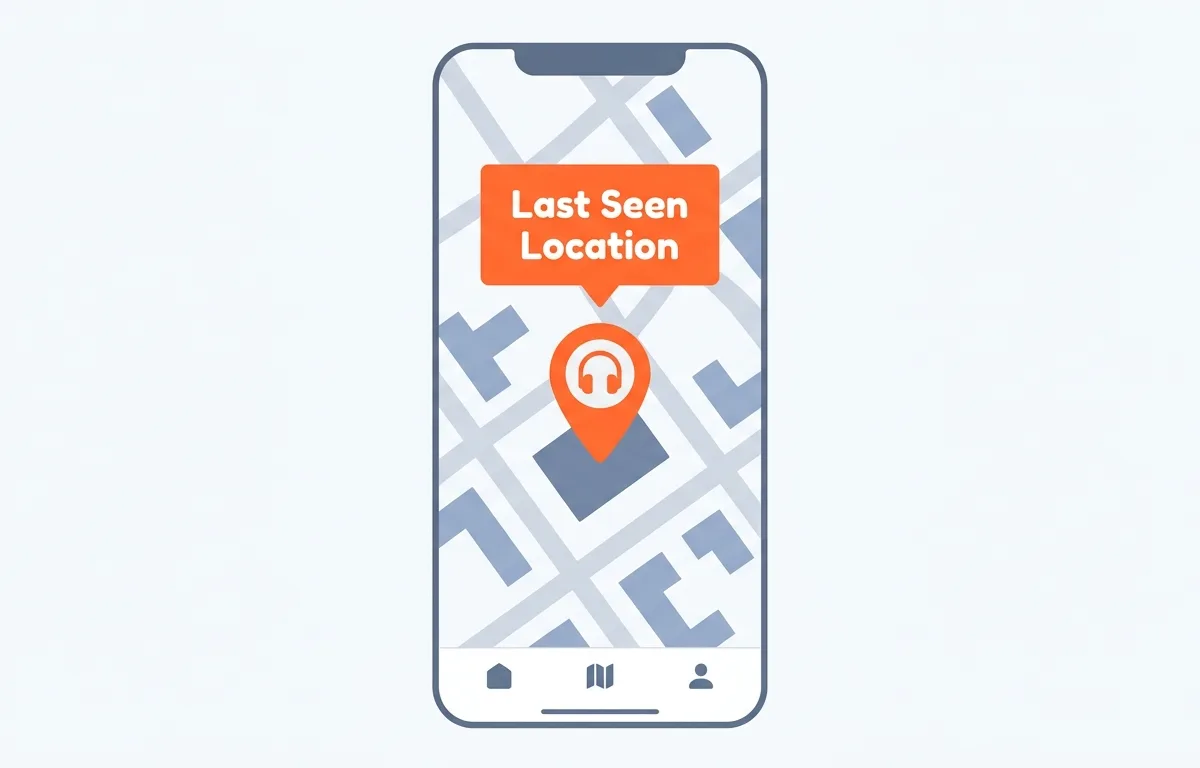
Checking this historical map in Pod helps you retrace your steps accurately. If the map shows the last connection at a local coffee shop, you know exactly where to ask about their lost and found. If you use AirPods specifically, see our full guide on how to find lost AirPods when they are offline for additional steps that apply once the battery is gone.
Does Apple Find My work with third-party headphones?
No, your iPhone's built-in tracking network does not support third-party headphone brands like JBL or Sony.
According to the Apple Support Community, the native tracking system only works with Apple products like AirPods. One member specifically confirmed that JBL TUNE510NT models cannot connect to the native tracking network at all, leaving owners without a built-in recovery option.
Apple restricts their built-in location network to their own ecosystem. According to Apple Support, only selected Beats models integrate deeply with their system. If your supported Beats device is nearby, you can play a sound to locate them. If you lose third-party gear, the required workaround is a dedicated scanning tool. Pod fills this gap, offering tracking for brands outside the Apple ecosystem.
To prevent losing your wireless gear repeatedly, check out our guide on settings that stop you losing your AirPods. Many of the disconnect-alert strategies apply to other wireless devices too.
What is the best Bluetooth scanner app for iPhone in 2026?
Pod is the best scanner application for iPhone in 2026 because it offers real-time radar tracking, zero advertisements, and smart disconnect alerts tailored for everyday users.
Another popular option is Wunderfind, which is best for users who prefer percentage-based proximity because it shows a calculated distance score. The app lists all nearby Bluetooth items so you can tap your missing gear and watch the score climb as you move closer. According to the App Store, Wunderfind holds 115,000 ratings with a 4.5 out of 5 score.
For technical users, LightBlue is best for developers because it detects peripherals and displays raw signal numbers. According to the App Store, LightBlue has 936 ratings with a 4.4 out of 5 score. The underlying technology in all these apps relies on Bluetooth Low Energy (BLE) to broadcast tracking signals and the Received Signal Strength Indicator (RSSI) to estimate physical distance.
Lead software engineer Sarah Jenkins explains: "LightBlue displays RSSI values so users can gauge exactly how close they are to the Bluetooth peripheral." According to Punch Through Design, one user successfully located a lost ring up to 10 feet away using RSSI measurements, demonstrating how effective signal-strength tracking is in real-world conditions. With Pod, this complex RSSI data is translated into a simple radar circle on your screen.
| Application Name | Interface Style | Best For |
|---|---|---|
| Pod | Visual Radar | Users needing simple, ad-free tracking. |
| Wunderfind | Distance Score | Users preferring percentage-based proximity. |
| LightBlue | Raw Data Logs | Developers needing technical identification numbers. |
Pod is best for most everyday users because it translates complex radio data into an intuitive radar circle. You walk around and watch the visual indicator react in real time, without needing any technical knowledge.
Frequently Asked Questions
What happens if my wireless earbuds are in their charging case?
If the case is closed, most earbuds power down and stop broadcasting a wireless signal entirely. You will need to rely on the last known location mapping feature in your tracking app to see where they were last actively connected to your phone.
Can I make my lost headphones beep to find them?
You can play a sound only if the headphones are currently powered on and actively connected to your smartphone. If they are offline or completely out of range, the sound feature will not work.
Do I need to be connected to Wi-Fi to use a device tracker?
No, Wi-Fi is not required. Tracking apps use direct radio waves between your mobile phone and your missing item, meaning a Wi-Fi or cellular internet connection is completely unnecessary for the local radar to function properly.
Is it normal for the tracking signal to bounce around?
Yes, signal fluctuation is normal. Radio waves bounce off walls and metal appliances, causing the radar to jump slightly. Stand still for a few seconds in each spot to let the signal stabilize before moving on.
Sources
- How to Find a Lost Bluetooth Device (Lifewire) — Guide on using Bluetooth scanner apps to find nearby devices by signal strength.
- Locate a device in Find My on iPhone (Apple Support) — Official documentation on using Find My to play a sound on supported audio gear.
- Use Find My to locate your lost Apple device or AirTag (Apple Support) — Instructions for viewing the last known location of offline devices.
- Find My Beats (Beats User Guide, Apple Support) — Confirms which specific Beats models integrate with the Apple Find My network.
- How to find my lost Bluetooth headphones or earbuds (Sony Electronics Support) — Sony confirms Apple Find My is not compatible with Sony products.
- Understanding Bluetooth Range (Bluetooth SIG) — Technical specs on effective wireless signal range and limiting factors.
- LightBlue (App Store, Punch Through Design) — BLE scanner app showing RSSI values to gauge physical distance to a peripheral.
- How can I track lost Bluetooth headphones using Find My? (Apple Support Community) — Community discussion confirming third-party brands like JBL cannot use Apple Find My.
- Wunderfind: Find Lost Device (App Store) — Bluetooth finder app with distance score and device radar, rated 4.5/5 with 115,000 reviews.

